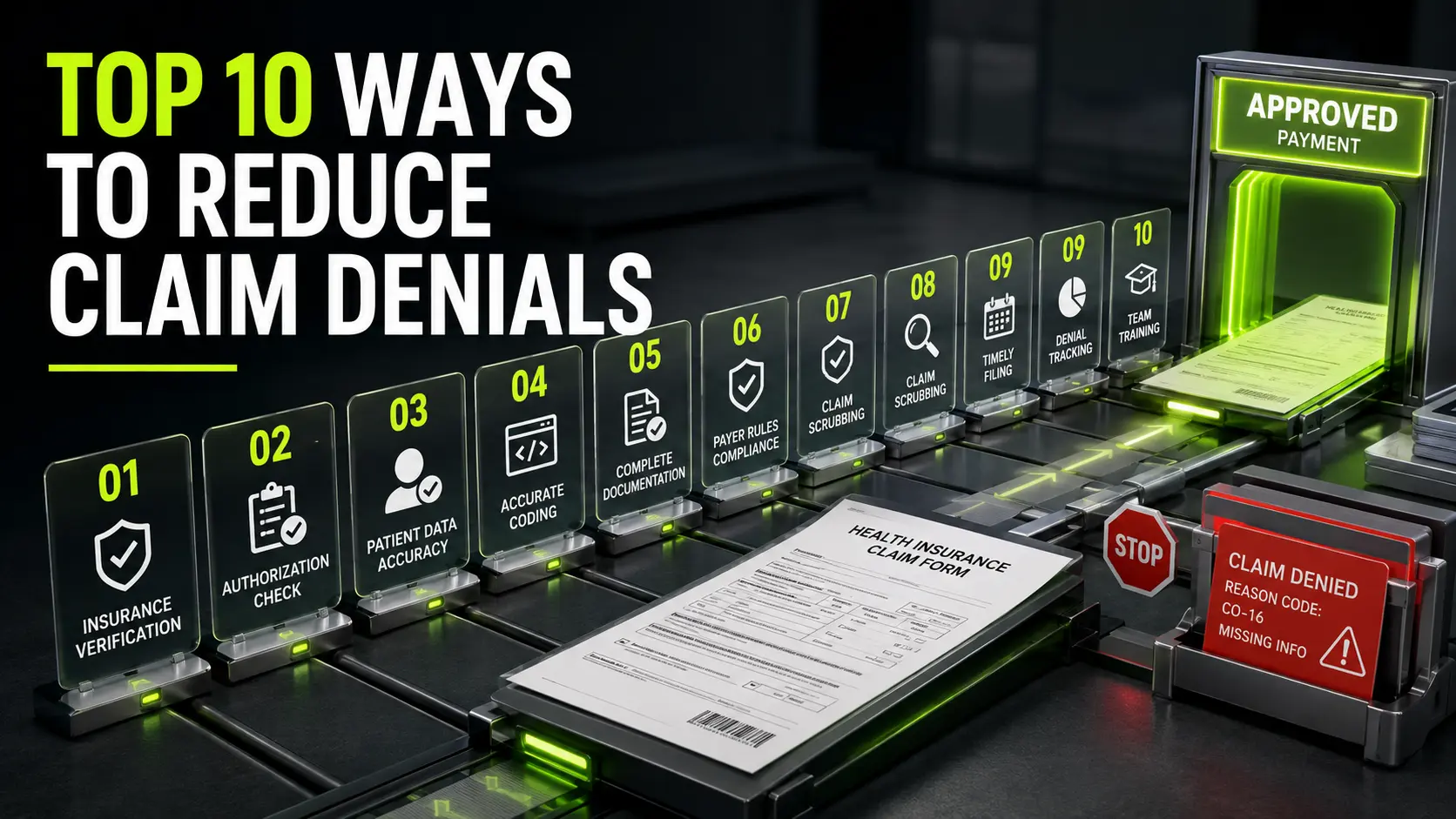

Every practice faces claim denials. They slow cash flow, add rework, and create stress for your staff and for patients. The upside is that most denials follow the same patterns. When you know the reason code, you can act with confidence, correct the claim, and prevent the same issue next time.
Below are the 15 most common medical billing denial codes you will see. For each one, you get a plain meaning, a short example, the fix you should try first, how to prevent a repeat, and a quick appeal tip you can copy. Use this as your working guide so your revenue cycle runs smoother week by week.
Table of Contents
ToggleCO-11 Diagnosis inconsistent with procedure
What it means
The diagnosis does not support the service you billed. The payer believes the medical record does not show a need for that service.
Example
You billed a skin biopsy with a diagnosis of routine skin check. The payer sees a routine visit but no sign or symptom that supports the biopsy.
How to fix right now
Open the chart and link the correct diagnosis to the CPT line. If the note shows a changing mole or a rash that failed treatment, choose the accurate diagnosis that reflects that problem and resubmit.
How to fix right now
Open the chart and link the correct diagnosis to the CPT line. If the note shows a changing mole or a rash that failed treatment, choose the accurate diagnosis that reflects that problem and resubmit.
How to prevent next time
At charge entry, check that each CPT has the right diagnosis pointer. Add a simple rule in your system so high risk services always prompt you to confirm the linked diagnosis.
Appeal tip
Send a brief note that states the sign or symptom, the risk, and why the service was needed. Include the exact lines from the chart that show the link.
CO-16 Claim lacks information
What it means
The payer could not process the claim because a field or a document was missing. It could be a modifier, an authorization number, a referral number, or a required attachment.
Example
You billed a bilateral procedure but left off the modifier. Or you forgot to attach an operative note.
How to fix right now
Check the payer remark code and request list. Add the missing item and resend the claim. If it needs an attachment, include it in the format the payer accepts.
How to prevent next time
Use a simple pre-submission checklist. Confirm patient data, policy number, provider NPI, modifiers, and any required notes. A two minute check can save weeks of delay.
Appeal tip
If the claim timed out during review, include proof that you sent the missing item within the payer window.
CO-18 Duplicate claim or service
What it means
The payer thinks you sent the same claim more than once or billed the same service twice.
Example
Two team members submitted the same corrected claim on the same day. Or you billed a repeat lab on the same date without a repeat service modifier.
How to fix right now
Check clearinghouse status and payer history. If the original claim is still pending, do not resubmit. If you truly performed the service twice, add the proper modifier with clear units and notes.
How to prevent next time
Assign one owner for each medical billing denial codes and track every resubmission in your log. Use claim status tools daily so you do not send duplicates.
Appeal tip
If it was not a duplicate, include documentation that shows two distinct services, with times or separate orders.
CO-29 Past timely filing limit
What it means
You missed the payer deadline for submitting the claim.
Example
Your policy allows one hundred eighty days from the date of service. The claim went out on day one hundred eighty five.
How to fix right now
If you have proof of on time submission, send an appeal with the acceptance report. If the delay was due to a payer system outage or a disaster, include that notice.
How to prevent next time
Store each payer filing limit in your system and display the final date on the claim. Run a weekly report of visits that are not billed by day seven, day thirty, and day sixty.
Appeal tip
Keep the appeal short. Attach the proof, state the date, and request reprocessing based on timely proof.
CO-50 Service not medically necessary
What it means
The payer believes the service was not needed based on the diagnosis and policy rules.
Example
You billed advanced imaging for back pain on the first visit without red flags in the note.
How to fix right now
Review the chart for risk factors or failed conservative care. If the note shows them, resubmit with those parts highlighted or include a brief letter that points to them.
How to prevent next time
Know the payer rules for common tests and procedures. Build prompts into your EHR so staff document risk and failed care when rules require it.
Appeal tip
Cite the payer policy. Then point to the exact chart lines that meet those criteria. Keep it clear and short.
CO-96 Non covered charge
What it means
The plan does not cover the service for this patient.
Example
You billed a cosmetic service or a service outside the plan benefits.
How to fix right now
If the patient agreed to self pay, send a patient bill with the signed notice on file. If there is secondary coverage, file the secondary claim once the primary posts.
How to prevent next time
Verify benefits during scheduling. Explain any non covered items before the visit and share a clear estimate.
Appeal tip
Coverage decisions rarely change. Appeal only if you believe the payer misread the plan or misclassified the service.
CO-109 Billed to the wrong payer
What it means
The claim went to an inactive plan or to a payer that does not cover the date of service.
Example
The patient changed jobs and insurance two weeks before the visit. Your system still showed the old plan.
How to fix right now
Update the plan, attach the new card image, and send to the correct payer. If the old payer already denied, include that denial with the new submission if the new payer needs proof.
How to prevent next time
Scan cards at every visit. Run real time coverage checks during morning prep for the day’s schedule.
Appeal tip
If the new payer rejects for lack of prior denial, include the old payer denial EOB and ask for reprocessing.
CO-125 Submission or billing error
What it means
There is a format error or a basic mistake in the claim.
Example
A wrong date of birth, a transposed policy number, or a missing digit in the NPI. Or the CPT and modifier combination is not valid.
How to fix right now
Correct the data and resend. Use your claim scrubber to scan for common billing errors before you submit again.
How to prevent next time
Add field checks in your practice system so it flags missing or odd entries. Train staff to slow down during intake and read back numbers to the patient.
Appeal tip
If the claim passed the payer edit but denied later for the same error, ask for a clear explanation and cite the earlier acceptance.
CO-167 Diagnosis not covered for this service
What it means
The diagnosis is valid, but the payer does not accept it as a reason for the billed service.
Example
You billed a vitamin D test with a diagnosis of general fatigue when the payer requires a bone disorder diagnosis.
How to fix right now
If the chart supports a more precise diagnosis that is still accurate, update the diagnosis pointer and resubmit. If not, send an appeal with notes that explain the clinical need.
How to prevent next time
Keep a quick reference list of diagnosis codes that support top services for each major payer. Review it during charge entry.
Appeal tip
Name the payer coverage list and show how your note meets the medical need even if the exact code is not listed.
CO-170 Service not covered for this provider type
What it means
The plan covers the service only when performed by a certain provider type or specialty.
Example
A nurse practitioner billed a service that this plan only pays when a physician performs it, unless you follow specific rules.
How to fix right now
Check if incident to or split shared rules apply and if your notes support them. If allowed, rebill with the supervising provider when the rules are met.
How to prevent next time
Keep a grid that shows which services each payer covers by provider type. Train schedulers to route visits based on that grid.
Appeal tip
If your documentation meets the payer rule, cite that rule and include the supporting parts of the note.
CO-B7 Provider not eligible to bill this service
What it means
The provider is not enrolled, not active, or not approved with the payer for this service.
Example
A new clinician joined the practice, but credentialing is still in progress for this plan.
How to fix right now
Confirm the effective date for this payer. If allowed, hold claims until enrollment posts. If your group contract allows it, rebill under the group when that is compliant.
How to prevent next time
Maintain a live credentialing tracker with payers, network status, and start dates. Do not schedule covered visits until enrollment is active when rules require it.
Appeal tip
If the payer shows an active date that covers the service, include the roster or letter and ask for reprocessing.
CO-197 Authorization or precertification required
What it means
The service needed prior approval and the claim did not include a valid authorization.
Example
An MRI was done without prior approval, or the auth expired before the appointment.
How to fix right now
If you had approval, add the auth number and resend. If not, ask the payer if a post service review is allowed and submit full records.
How to prevent next time
During scheduling, run a quick check for services that require approval. Set reminders for expiring auths, and confirm the exact CPT codes that the auth covers.
Appeal tip
If the service was urgent, explain the reason and include clinical notes that show why a delay would have harmed the patient.
CO-204 Service not covered by patient plan
What it means
This plan excludes the service or sets firm limits that were reached.
Example
A therapy visit went past the plan cap for the year. Or the service is listed as experimental for this plan.
How to fix right now
If the patient still needs care, discuss self pay options and offer a clear payment plan. If a secondary plan covers it, file after the primary posts.
How to prevent next time
Check plan limits during morning prep. If a limit is near, tell the patient and the provider before the visit so you can plan next steps.
Appeal tip
Appeal only if the payer misread the limit or your service fits an exception written in the plan.
CO-252 Required attachment missing
What it means
The claim needs extra records, and they were not attached or were sent in the wrong format.
Example
A high level visit billed without the progress note, or a surgery billed without the operative report.
How to fix right now
Attach the requested record in the format the payer accepts. Include the patient name, date of birth, date of service, and claim number on the first page.
How to prevent next time
Create a list of CPT codes that often need notes or reports. Add a reminder at charge entry to attach those files before you submit.
Appeal tip
If the file size caused rejection, state that you split the file into smaller parts and list what each part contains.
CO-272 Coverage terminated or expired
What it means
The patient’s coverage ended or changed before the visit date.
Example
The plan ended on the last day of the prior month. Your visit took place two days later.
How to fix right now
Ask for the new insurance card. If there is a gap, explain self pay options and offer a fair plan. If the visit happened during a grace period, include proof if the payer allows it.
How to prevent next time
Run real time coverage checks for all visits on the schedule. Repeat the check at check in for high risk plans.
Appeal tip
If coverage did exist on the date of service, attach the payer eligibility printout that shows the active range.
A fast denial management playbook

How to cut medical billing claim denials with simple steps?
- Verify patient data and benefits at every visit. Read back the policy number and address. Save clean card images.
- Use real time checks before the visit to confirm active dates, copay, coinsurance, plan caps, and any need for prior approval.
- Build a clean claim checklist. Confirm provider NPI, CPT, diagnosis pointers, units, and modifiers.
- Keep codes and payer rules current. Hold short training each quarter and after big updates.
- Track denials by code and payer each week. Fix the top cause first, then move to the next.
- Document medical need in clear words. Link the reason for the visit to the service. Avoid vague notes.
Closing thoughts
You cannot stop every denial, but you can prevent most of them. Know the common medical billing denial codes, fix the root cause, and lock in simple habits that protect your process. When you make these steps part of your daily work, claim denials fall, billing errors fade, and your revenue cycle grows stronger. Your team feels calm, patients get clear answers, and cash flow improves.